Skip to content
View in the app

A better way to browse. Learn more.

CRCTC

A full-screen app on your home screen with push notifications, badges and more.

To install this app on iOS and iPadOS
  1. Tap the Share icon in Safari
  2. Scroll the menu and tap Add to Home Screen.
  3. Tap Add in the top-right corner.
To install this app on Android
  1. Tap the 3-dot menu (⋮) in the top-right corner of the browser.
  2. Tap Add to Home screen or Install app.
  3. Confirm by tapping Install.

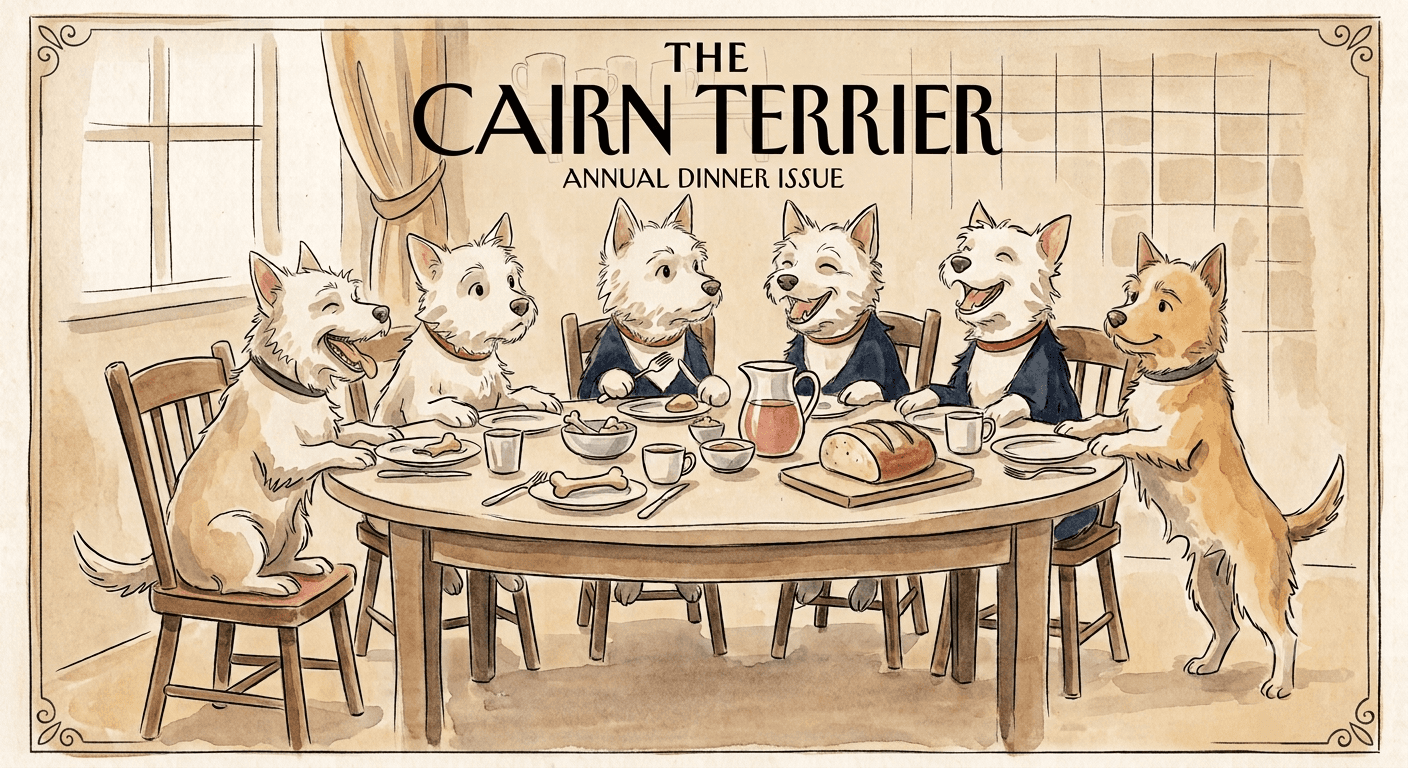
CRCTC Get Together and Potluck

In place of the membership meeting in September, there will be a get together and potluck.

Location:

Debbie Blanchard & Bob Schuler’s home

8119 NE 186th Ave.
Vancouver, WA 98682

If coming from Portland, expect northbound commute traffic. 

Non-club members and other Cairn friends are welcome! Please leave your dogs at home. 

An RSVP by August 27th would be appreciated.

CRCTC
No image preview

Club Social Dinner RSVP

Debbie’s phone to call or text: 503-970-8446 

Account

Navigation

Search

Search

Configure browser push notifications

Chrome (Android)
  1. Tap the lock icon next to the address bar.
  2. Tap Permissions → Notifications.
  3. Adjust your preference.
Chrome (Desktop)
  1. Click the padlock icon in the address bar.
  2. Select Site settings.
  3. Find Notifications and adjust your preference.